
VidRatio – YouTube Stats & Earnings Estimator
YouTube stats and YouTube earnings estimator — a YouTube money calculator for any video or channel. No API key needed.


VidRatio shows the numbers behind any YouTube video or channel — including a realistic estimate of what it earns — with no API key and no sign-in.
Most tools in this category make you create a Google Cloud project first. VidRatio reads the public page directly, so YouTube stats appear the moment you paste a link. Turn on auto-detect and they appear for whatever video you're watching.
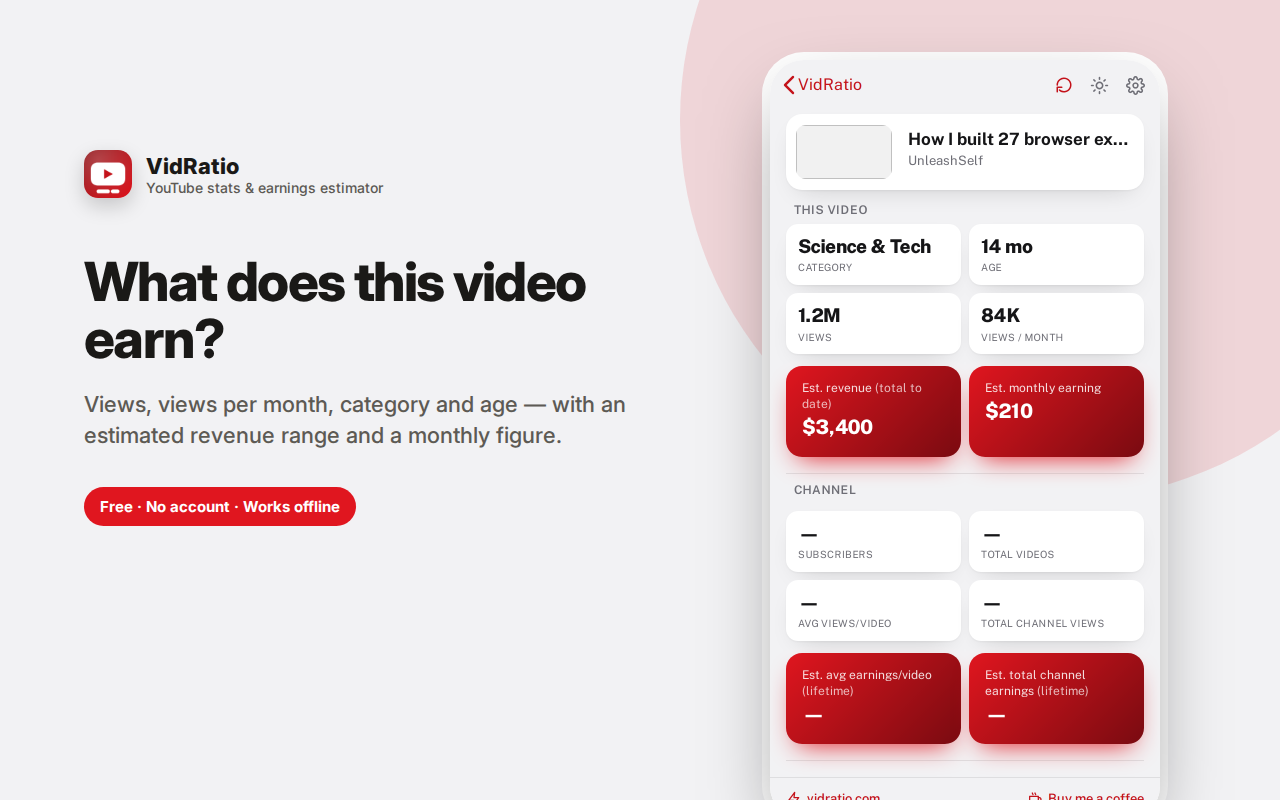
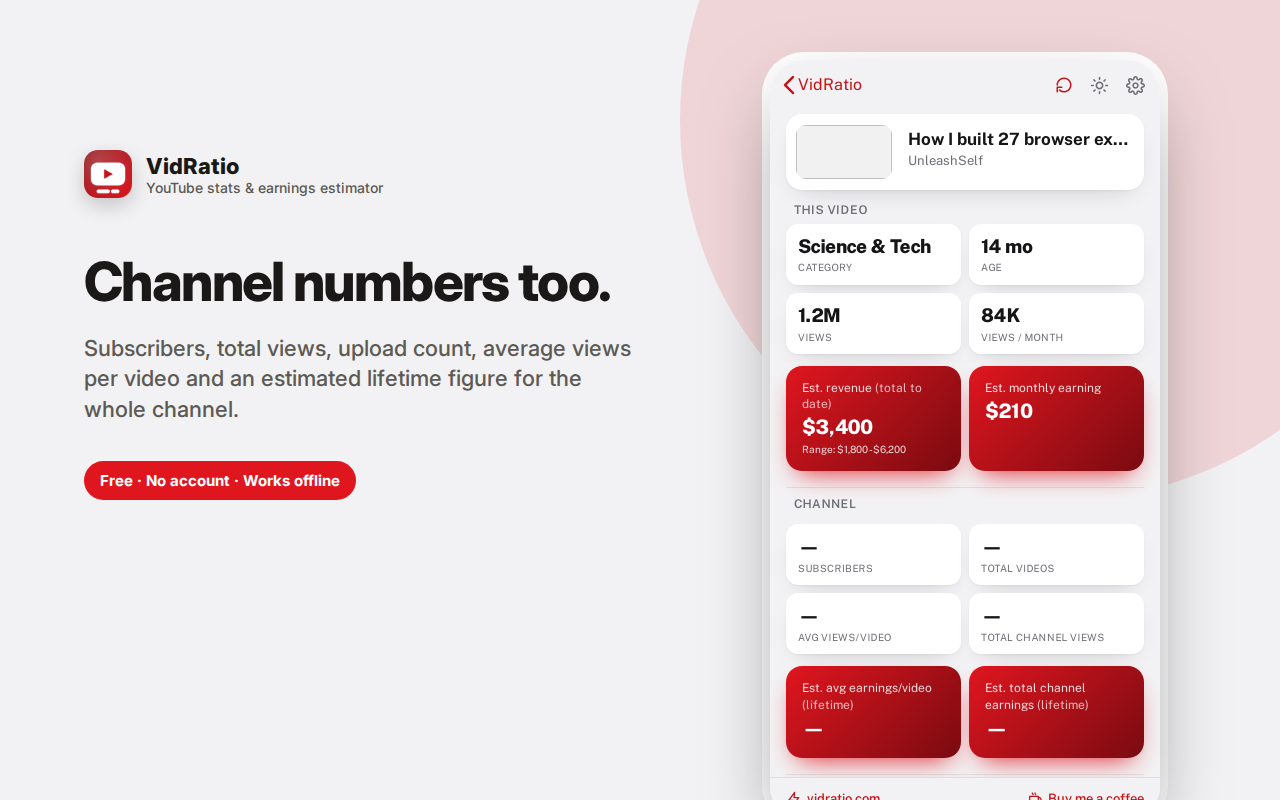
For a video: total views, views per month, category, age, and an estimated revenue range with a monthly figure. For a channel: subscribers, total views, videos, average views per video, and estimated lifetime earnings.
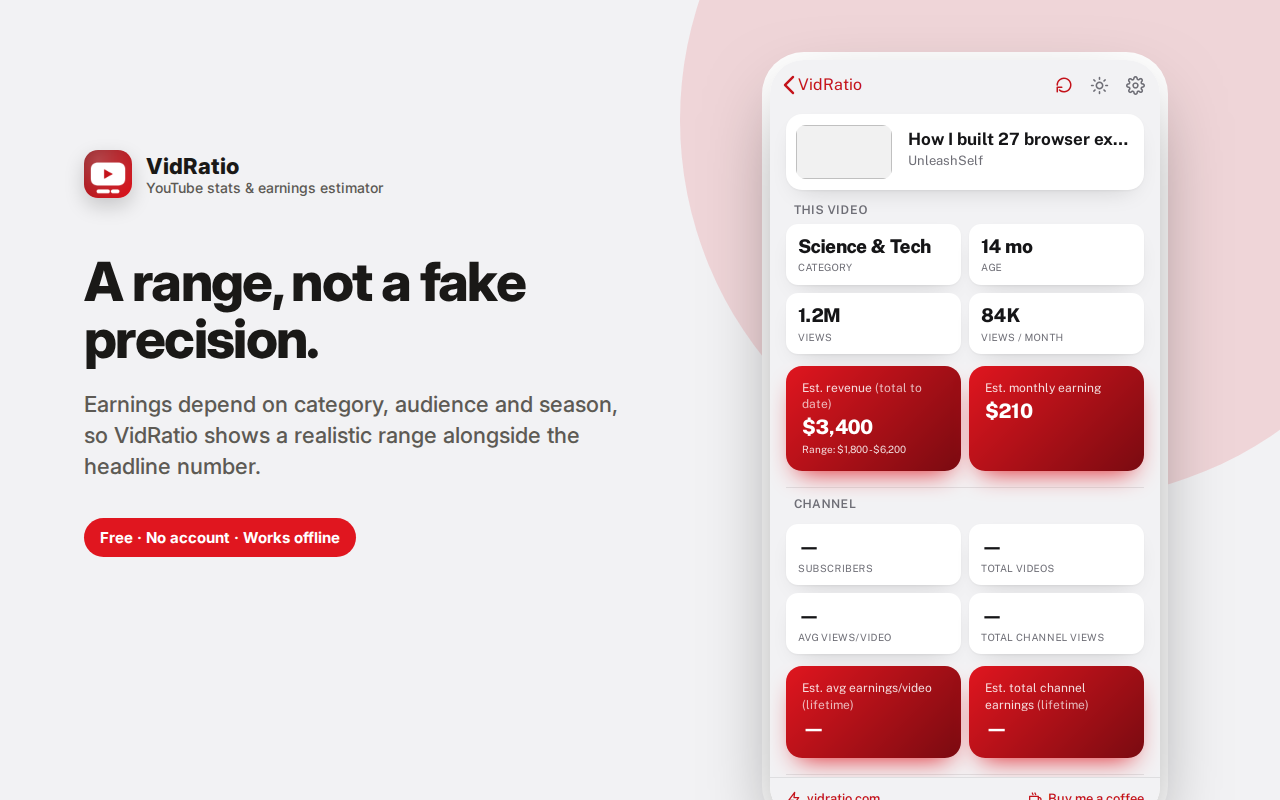
Estimates are built on category-average RPM and shown as a range, because real earnings depend on audience geography, watch time and ad settings — and because sponsorships and affiliate income, which aren't public, often exceed ad revenue entirely.
A sanity check and comparison tool, honestly labelled as one. Lookups stay in your browser.
VidRatio shows the numbers behind any YouTube video or channel — views, growth, and a realistic estimate of what it earns — with no API key, no sign-in and no setup.
Instant stats, no configuration
Most YouTube analytics extensions ask you to create a Google Cloud project and paste in an API key before they show you anything. VidRatio reads the public YouTube page directly — the same page you'd see by visiting it yourself — and pulls the publicly visible numbers from it. Paste a link and you get results immediately.
Turn on auto-detect and the stats appear for whatever video you're currently watching, with no action at all.
What you get for a video
- Total views and views per month — the second number matters more; a video with 2 million views over six years is a very different asset from one with 2 million in a month
- Category — which drives the earnings estimate, since advertisers pay very differently by topic
- Age — how long it's been earning
- Estimated revenue range and a monthly figure
What you get for a channel
- Subscribers, total views and total videos
- Average views per video — the honest measure of a channel's actual reach, rather than a subscriber count that may be years stale
- Estimated lifetime earnings
How the estimate works, honestly
Earnings are calculated from view counts and typical RPM (revenue per thousand views) for the video's category. RPM varies enormously — finance, business and technology content can earn many times what entertainment or gaming does — which is why the category matters and why the result is shown as a range rather than a single confident number.
What the estimate cannot know: sponsorship deals, affiliate income, memberships, merchandise, Super Chats, the actual split of watch time by country, or the creator's real ad settings. Those often exceed AdSense revenue entirely for established channels.
So treat this as a sanity check and a comparison tool, not a bank statement. It's genuinely useful for "is this niche worth entering" and "how do these two videos compare" — and not useful for knowing exactly what any individual creator banked.
Recent lookups
Every video and channel you check is saved to a recent list with its thumbnail, so you can compare several without re-pasting links.
Frequently asked questions
Do I need a YouTube API key?
No. That's the main difference from most tools in this category. Nothing to set up, no Google Cloud project, no quota limits to hit.
How accurate are the earnings estimates?
They're estimates built on category-average RPM. For a broad sense of scale and for comparing videos, they're useful. For any individual video they can be off by a wide margin in either direction, since real RPM depends on audience geography, watch time, ad formats and the creator's own settings. The range shown reflects that uncertainty rather than hiding it.
Does this show private analytics?
No, and it couldn't. Everything here comes from publicly visible page data — the same numbers anyone can see. Real analytics (watch time, retention, actual revenue) are visible only to the channel owner in YouTube Studio.
Does it need my YouTube account?
No. There's no sign-in and no connection to your Google account. The request is an ordinary public page fetch made by your browser.
Why do some numbers show as blank?
YouTube hides certain figures — many channels hide subscriber counts, and likes or comments may be disabled. When a number isn't public, it's shown as unavailable rather than guessed.
How much money does a YouTube video make?
It depends far more on category than on views. The same view count in finance or software can earn several times what it earns in gaming or entertainment, because advertisers pay very differently by topic. That's why estimates here are shown as a range with the category named.
Do YouTubers make money from views alone?
Usually not. For most established creators, sponsorships, affiliate links, memberships, merchandise and their own products outweigh ad revenue entirely, and none of that is publicly visible.
Can I see another channel's real analytics?
No, and neither can any tool. Watch time, retention and actual revenue are visible only to the channel owner in YouTube Studio. Anything claiming otherwise is estimating.
Who this is for
- Creators researching whether a niche is worth entering
- Anyone starting a channel trying to set realistic expectations
- Marketers and brands sizing up creators for sponsorship
- Media analysts comparing channels in a category
- Anyone who's watched a video and wondered what it made
Private by design
No account, no sign-in, no analytics, no ads. Your lookup history is stored locally in your own browser. VidRatio does not send your viewing history, identity or any personal information to us or to YouTube — the page request is a normal fetch made by your browser, with no credentials attached. There is no VidRatio server involved at any point.
How to read the numbers sensibly
Views per month beats total views. A five-year-old video with 3 million views is earning almost nothing today. A three-week-old video with 400,000 is a live asset. When you're researching a niche, sort your thinking by recent velocity, not lifetime totals.
Average views per video beats subscriber count. Subscriber numbers are historical and often stale — channels accumulate subscribers who stopped watching years ago. Average views tells you how many people actually show up for a new upload, which is the number that determines both revenue and sponsorship value.
Category drives everything. The gap between finance or B2B software content and gaming or entertainment content can be several multiples on the same view count. If you're choosing what to make, that gap is a bigger lever than production quality.
Compare like with like. The estimates are most useful in relative terms — this video versus that video, this channel versus its competitor — rather than as an absolute figure for any single one.
What the numbers can't show
For most established creators, ad revenue is a minority of income. Sponsorships, affiliate links, their own products, memberships and merchandise usually outweigh it, and none of that is publicly visible. A channel showing a modest estimate here may be earning many times that figure. Keep it in mind before drawing conclusions about anyone's business.
A YouTube money calculator that needs no setup
Search for a YouTube money calculator and most results either want an API key or ask you to type in view counts by hand. This reads the public page directly, so YouTube stats appear the moment you paste a link — or automatically for whatever video you're watching.